35bd App Download for Android Phones
The 35bd app puts slots, live dealer tables and cricket markets on your home screen. It takes 52 MB of storage, runs on Android 7.0 and above, and costs nothing to install. Tap the button and the APK starts downloading straight away.
18+ · Play Responsibly · File source: 35bd.guru onlyWhat the app asks for, and what it never touches
An APK installs outside the Play Store, so your phone will ask questions it never asks for store apps. Here is exactly what the 35bd app requests, why it needs it, and the four things that should make you stop.
-
One file, one source
Take the build from this page and nowhere else. Mirror sites rename the package and sometimes wrap it in ad code that opens links while you play. Before you tap install, confirm the file reads 35bd.apk and weighs 52 MB. Anything larger is not ours.
-
Storage and network access
Android grants storage so the app can save game assets, and network access so live tables and odds stay current. Notifications are optional and only used for deposit confirmations and bonus reminders. Deny notifications and the app still runs normally.
-
Nothing touches your PIN
The 35bd app never reads your SMS, contacts or call log, and it never asks for a bKash or Nagad PIN. The cashier opens your payment app and you type the PIN there. If any screen asks for an OTP inside the 35bd app itself, close it and delete the file.
-
Your login stays the same
There is no separate app account. The number and password you set on the register page work here, on the mobile site and on a laptop. If you have not signed up yet, do that first, then install and log in once with the same details.
What changes on your phone after you install
The app is not a cut-down version of the site. It carries the same account, the same wallet and the same lobby, with fewer taps between opening it and placing a bet.
The full 3,600-game lobby
Every title from Ezugi, KA Gaming, JILI, Pragmatic Play, PG Soft and Habanero sits in one scrollable list, sorted by category and provider, with search that remembers your last pick.
Live tables built for small screens
Ezugi dealers run blackjack, baccarat and teen patti in portrait mode, with the bet buttons moved to thumb height. Single Deck Blackjack opens from ৳2 a hand, so low-stake sessions are easy.
Cricket and crash between slots
Switch from reels to a match market or a crash round without reloading anything. The app keeps the last screen you opened, so a BPL evening does not mean hunting through menus again.
Cashier without the browser
bKash, Nagad, Rocket, Upay and bank transfer all sit inside the app. A deposit usually lands in 6 minutes and a withdrawal in 19, with the minimum sitting at ৳450 for deposits.
Bonus and wallet in one view
Your 180% first deposit bonus up to ৳6,500, the 12% reload and 0.6% daily cashback appear on one screen with the 17x wagering progress beside them, so you always know what is still locked.
Light on data and battery
At 52 MB the install fits a 16 GB phone with room left. Screens load in stages, so a 3G connection in Dhaka traffic still opens the lobby instead of timing out on a blank page.
Two titles you will find on the first screen
Both run at the same stake limits inside the app as they do on the desktop site.


File details before you tap download
One package covers every Android phone we support. There is no separate build for bKash users, no region lock and no paid tier inside the installer.
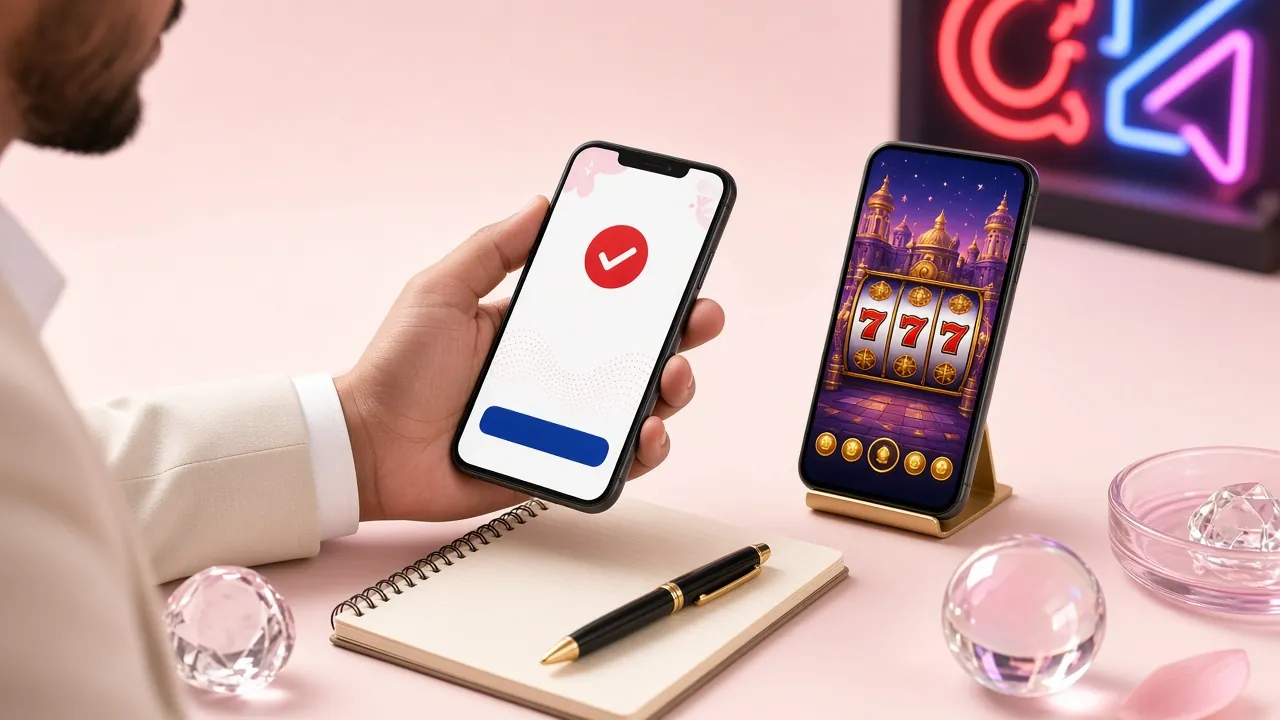
- 52 MB install, and no extra download on first login.
- The same 3,600-game lobby you see on the website.
- bKash and Nagad cashier built in, with 6-minute deposits.
- Manual updates only, so nothing changes while you play.
Scan with your phone camera to open this page on the device you want to install on.
| Item | Detail |
|---|---|
| App version | 2.2.3 |
| File size | 52 MB |
| Minimum Android | 7.0 |
| Last updated | 10 November 2026 |
| Price | Free |
| Language | English / Bangla |
Keep about 120 MB free, not just 52. Android unpacks the package while it installs, so a phone with almost no space left fails halfway through and leaves a broken shortcut behind.
Five steps from the 35bd APK to your first bet
Chrome on Android blocks the file by default, so the first step matters more than the rest. Do it once and later updates skip straight to step two.
-
1
Allow installs from Chrome
Open Settings, then Apps, then Special access, then Install unknown apps. Pick Chrome and switch Allow from this source on. On Samsung phones the path sits under Apps, then the three-dot menu, then Special access.
-
2
Download 35bd.apk
Tap the Download APK button above. The 52 MB file lands in your Downloads folder in under a minute on 4G. When Chrome asks whether to keep the file, choose Keep, then check the size reads 52 MB.
-
3
Install the package
Open the finished download from the Chrome notification, or find 35bd.apk in Files. Tap Install and wait around 30 seconds. Play Protect may warn you about an unknown developer; choose More details, then Install anyway.
-
4
Log in with your usual details
Open the 35bd app and sign in with the number and password from the login page. Your balance appears as soon as the lobby loads. New here? Finish registration first and come back to this step.
-
5
Deposit and claim the bonus
Open the cashier, pick bKash or Nagad, and send at least ৳450. The balance usually arrives in 6 minutes. Your first deposit unlocks the 180% bonus up to ৳6,500, with 17x wagering on the bonus amount.
Using an iPhone? Add 35bd to your home screen
iOS refuses APK files entirely, so there is nothing to install. The Safari shortcut gives you an app-style icon and a full-screen page, which covers everything a player needs on an iPhone.
- Open Safari and go to 35bd.guru. Chrome on iOS cannot create the shortcut, so use Safari.
- Tap the Share icon in the toolbar, then scroll the sheet until you see Add to Home Screen.
- Accept the suggested name, or type 35bd, and tap Add in the top corner.
- The icon now sits with your other apps. Open it and log in once; Safari keeps the session afterwards.
App or browser: which one fits your phone?
Both routes reach the same account, the same wallet and the same games. The difference is how many steps sit between unlocking your phone and placing a bet.
| What you compare | 35bd app | Mobile browser |
|---|---|---|
| Storage used | 52 MB after install | Nothing beyond browser cache |
| Getting in | One tap on the home screen icon | Open Chrome, type the address, log in |
| Staying signed in | Session holds until you log out | Often asks again after a few days |
| Updates | Manual: download the new APK over the old one | Automatic, the page is always current |
| Alerts | Deposit and bonus notifications if allowed | None unless the tab is open |
| Cashier | bKash, Nagad, Rocket, Upay, bank transfer | The same five methods |
| Games and providers | All 3,600 titles from six providers | All 3,600 titles from six providers |
| Live dealer tables | Portrait layout with thumb-reach bet buttons | Landscape layout, more scrolling |
| Weak connection | Loads screens in stages, keeps the last one | Reloads the whole page on a drop |
If your phone has 32 GB or more, install the app and keep the browser as a backup for updates. On a 16 GB handset with heavy photo use, the browser version saves you the 52 MB and the manual update routine. Both show identical limits: ৳450 minimum deposit, ৳1,000 minimum withdrawal and a ৳45,000 daily withdrawal cap at the base tier.
When the install does not go through
Five failures cover almost every report we get. Read the middle column before you re-download, because a second copy of the same broken file rarely helps.
| What you see | Why it happens | What to do |
|---|---|---|
| App not installed | An older 35bd build is still on the phone, or the package signature changed between versions. | Uninstall the old copy from Settings, restart the phone, free about 120 MB and install the fresh 52 MB file. Your account and balance are untouched by an uninstall. |
| Download stops near the end | The connection dropped mid-transfer, so Chrome saved a partial file that cannot install. | Delete the incomplete file from Downloads, switch to Wi-Fi, then download again. Confirm the finished file shows 52 MB before you open it. |
| Play Protect blocks the file | Google scans anything outside the Play Store and flags unknown developers by default. | Tap More details, then Install anyway. If the option is missing, turn off scanning in Play Store settings for one minute, install, then switch scanning back on. |
| App opens then closes | Android is below 7.0, or the phone is short on memory while the lobby loads. | Check Settings, About phone, Android version. On 6.0 or older, play from the browser instead. On 7.0 and above, clear the app cache and reopen. |
| Login loops after install | The number or password differs from your account, or a verification step is unfinished. | Reset the password from the login page, then sign in again on the app. For a withdrawal block, finish NID verification first; review takes about 2 hours. |
Still stuck after all five? Open live chat, which runs 24/7, and send the exact wording of the error plus your Android version. That saves a round of guessing.
What players keep asking about the app
Short answers to the questions that come up most often on chat, in the order they usually arrive.
01 Is the 35bd APK safe to install?
02 Why does my phone say "App not installed"?
03 Do I need a separate account for the app?
04 How do I update the 35bd app?
05 Will it run on Android 6 or older?
06 Can I install it on an iPhone?
07 Do app players get the same bonuses?
Once the app is open, the casino lobby is the fastest way to see what is running today. Payout limits, cashback rates and tier thresholds are listed in the bonus and VIP guide.